
If you’ve opened your ComEd bill lately, you’ve probably done a double-take. As of early 2026, supply prices are nearly 47% higher than they were a year ago. While we all blame the AC in the summer and the furnace in the winter, there’s a quieter group of culprits lurking in your outlets.
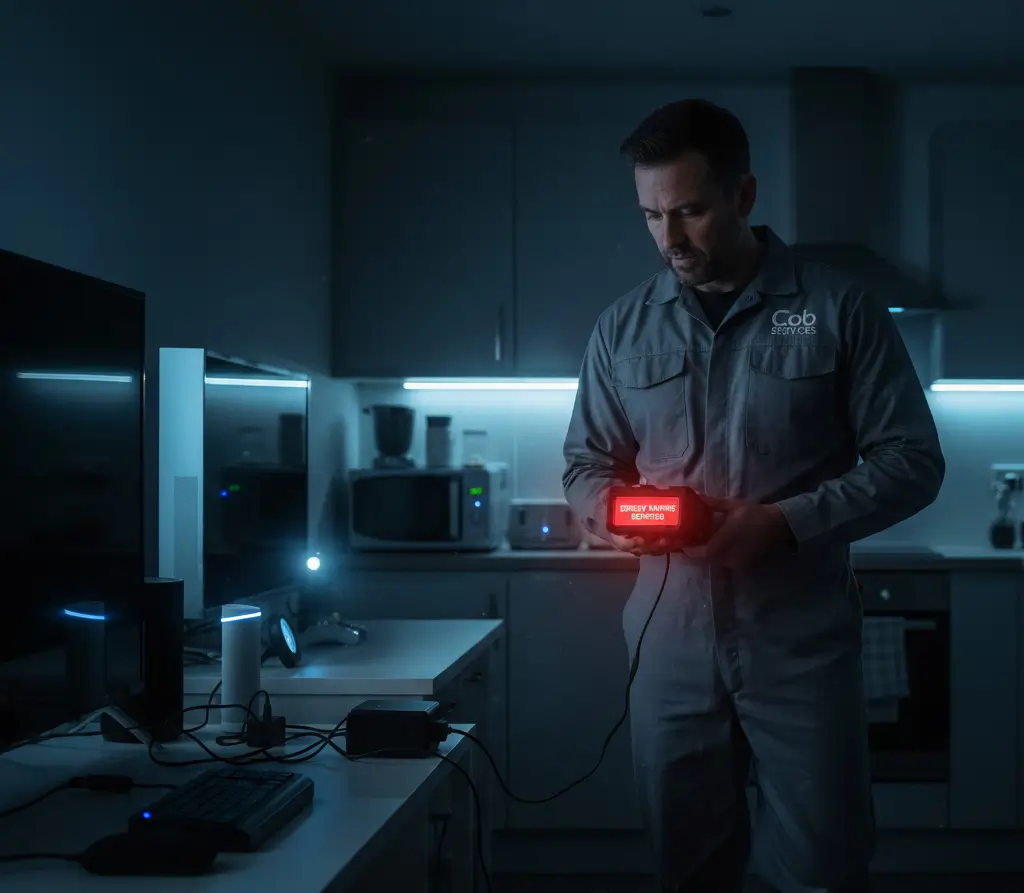
At Cob Services, we call these “Energy Vampires.” These are the devices that never truly sleep. They sit there 24/7, sipping power just to stay “ready” for you. It might only be a few watts here and there, but when you multiply that by 30 days and the current Illinois rates, you’re essentially throwing a $20 bill into the trash every month.
Here are the five biggest offenders we find in Naperville homes.
1. The “Passive” Cable Box
This is the heavyweight champion of energy waste. Most cable or satellite boxes draw almost as much power when they are “off” as when you’re actually watching TV. Why? Because they’re constantly downloading guide data and staying warm so they can boot up in two seconds instead of two minutes.
- The Fix: If you only watch TV in the evenings, put the box on a simple outlet timer so it actually dies overnight.
2. Gaming Consoles (Rest Mode)
Whether it’s a PS5 or an Xbox, “Rest Mode” is a major drain. These consoles stay connected to your WiFi to download updates while you sleep. While convenient, it’s a constant pull on your meter.
- The Fix: Dive into your settings and disable “Always On” or “Instant-On” features. Your games might take an extra minute to update, but your wallet will thank you.
3. Desktop PCs and Dual Monitors
If you’re working from home in Oakhurst or Tall Grass, you likely have a multi-monitor setup. Even in “Sleep” mode, a desktop computer and two monitors can pull significant phantom power.
- The Fix: Use a Smart Power Strip. It senses when the main computer is off and automatically cuts the physical power to your monitors, printer, and speakers.
4. Kitchen “Clocks” (Microwaves & Coffee Makers)
Look around your kitchen at night. How many glowing digital clocks do you see? Your microwave, stove, and coffee maker are all using energy just to tell you it’s 3:00 AM.
- The Fix: Unless you’re actually using the “auto-brew” feature on your coffee maker, unplug it. For the microwave, it’s a small drain, but it adds to the “vampire” total.
5. Smart Home Hubs and “Always-Listening” Speakers
We love smart homes, but every Alexa, Google Home, and smart bulb bridge adds up. These devices are in a state of “constant readiness,” waiting for a voice command or a signal from your phone.
- The Fix: Consolidated hubs are better than having ten different “bridges” plugged into your router. Try to streamline your gear.
How to Spot a Vampire
Not sure if a device is sucking power? Feel the power brick (that black box on the cord). If it’s warm to the touch, it’s drawing electricity. It’s that simple.
Cob Services Pro Tip: ComEd’s rates are projected to keep outpacing inflation through the end of 2026. Taking ten minutes to walk through your house and unplug the “vampires” is the easiest raise you’ll ever give yourself.